

Get the latest updates on our existing promos, new products, and better services by downloading the Agribank online, now!
SECURED
CONVENIENT
DOWNLOAD THE APP TODAY!

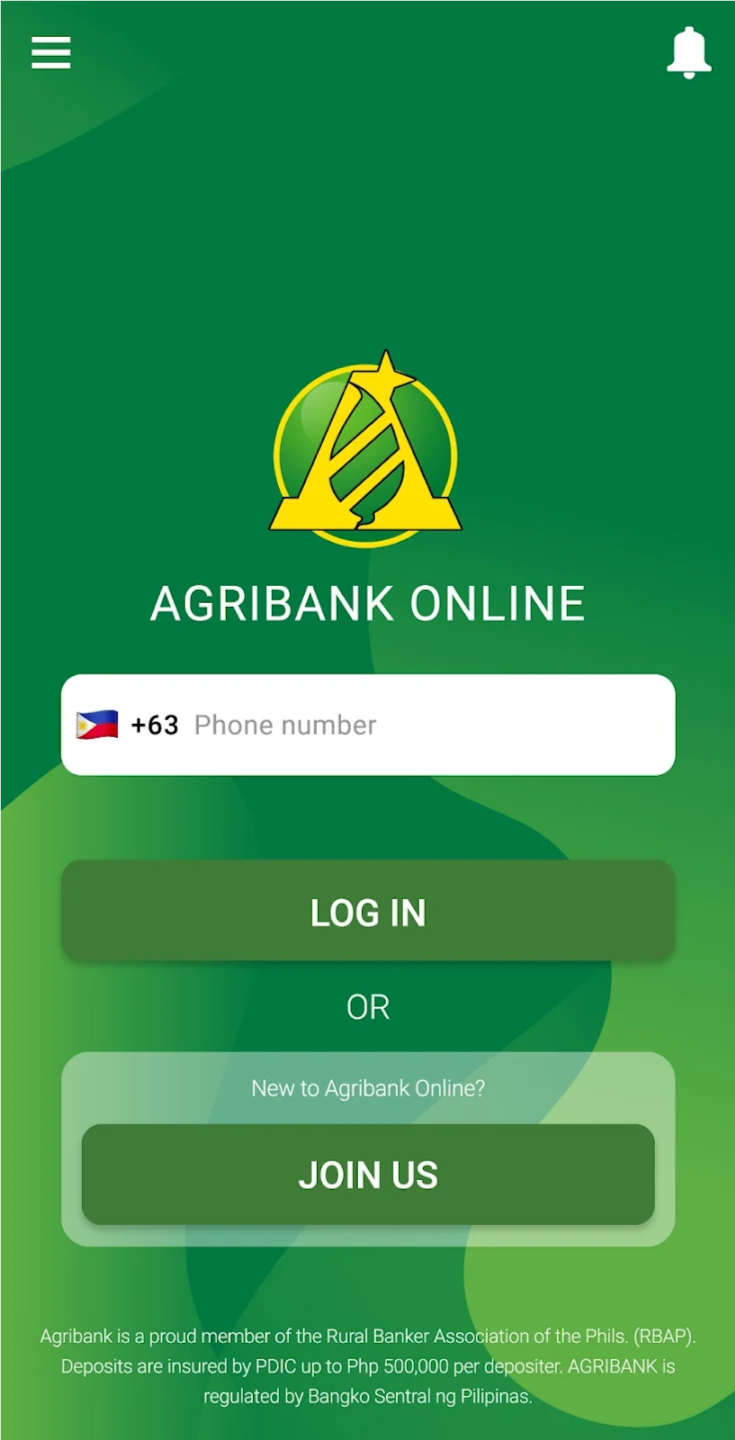
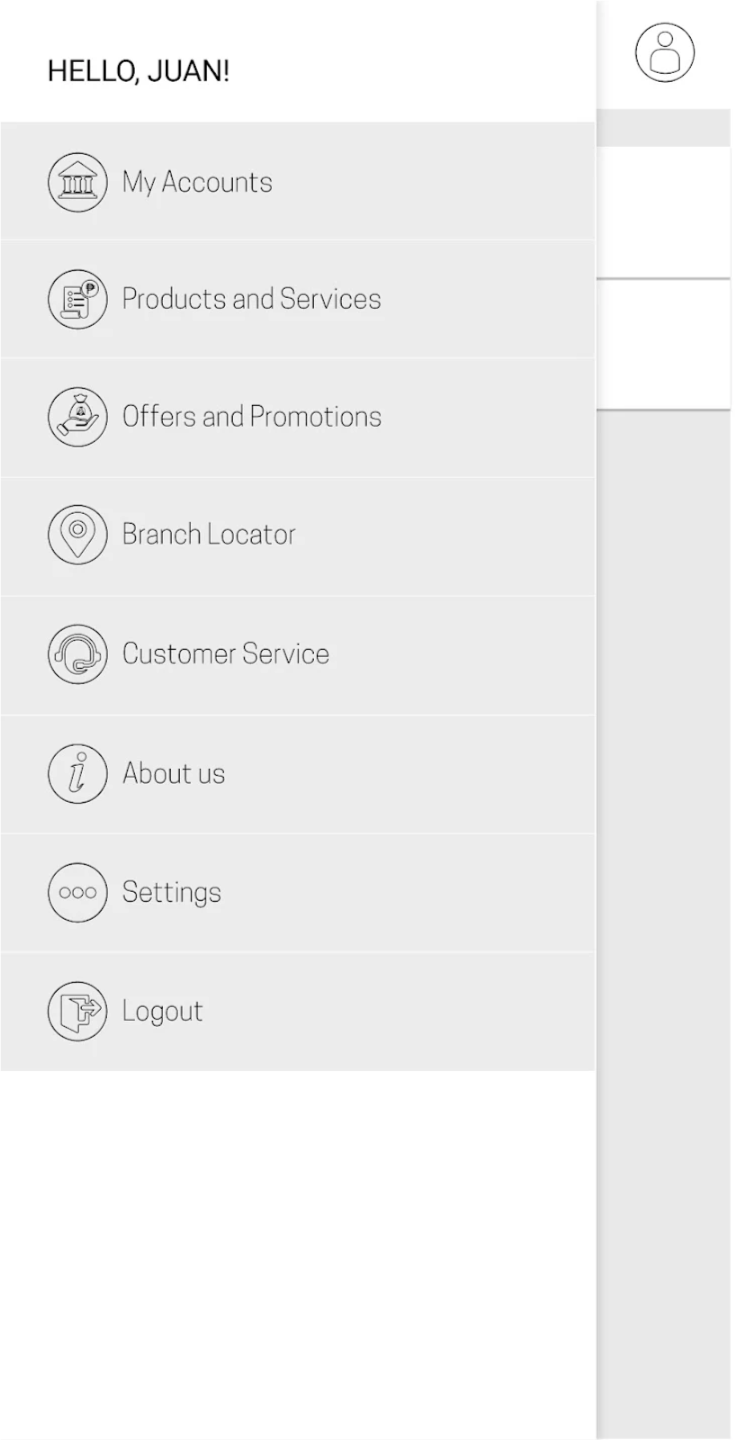

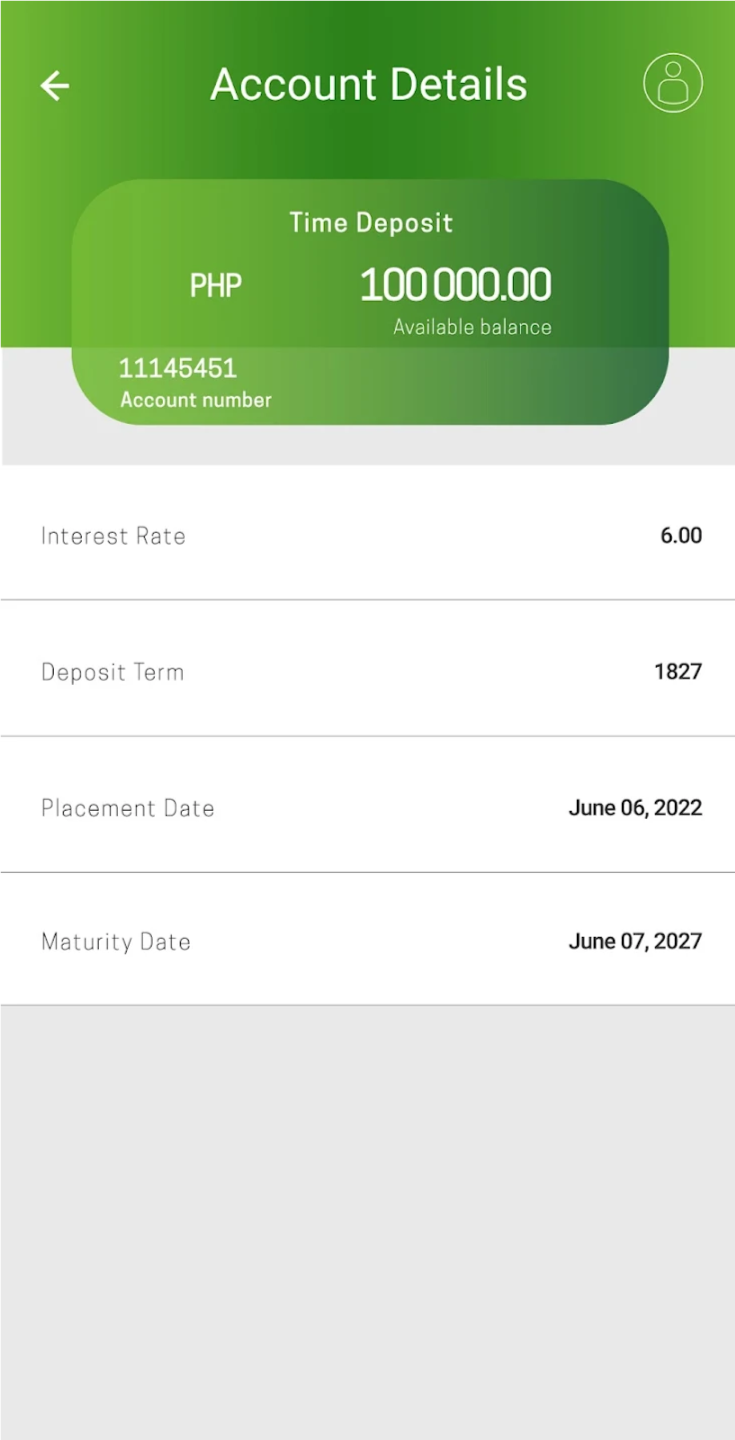
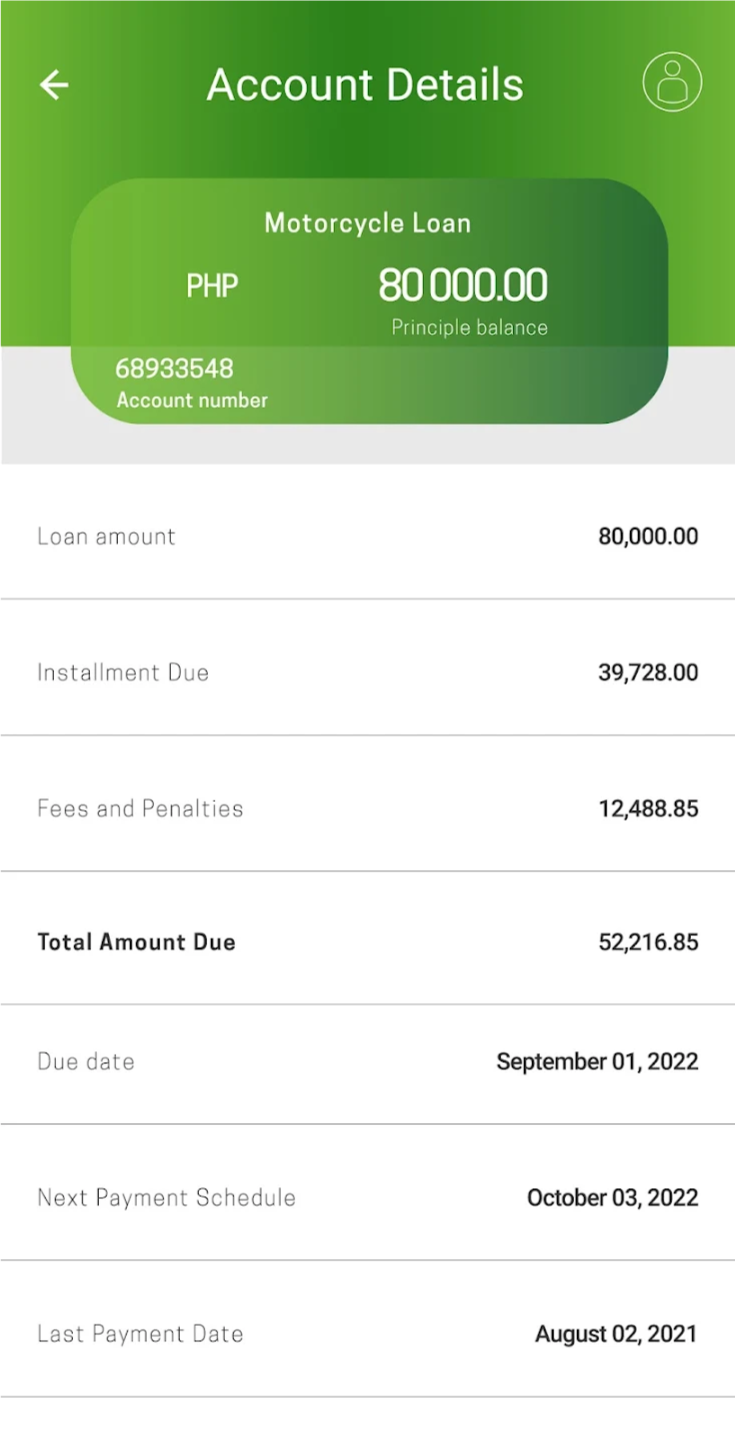
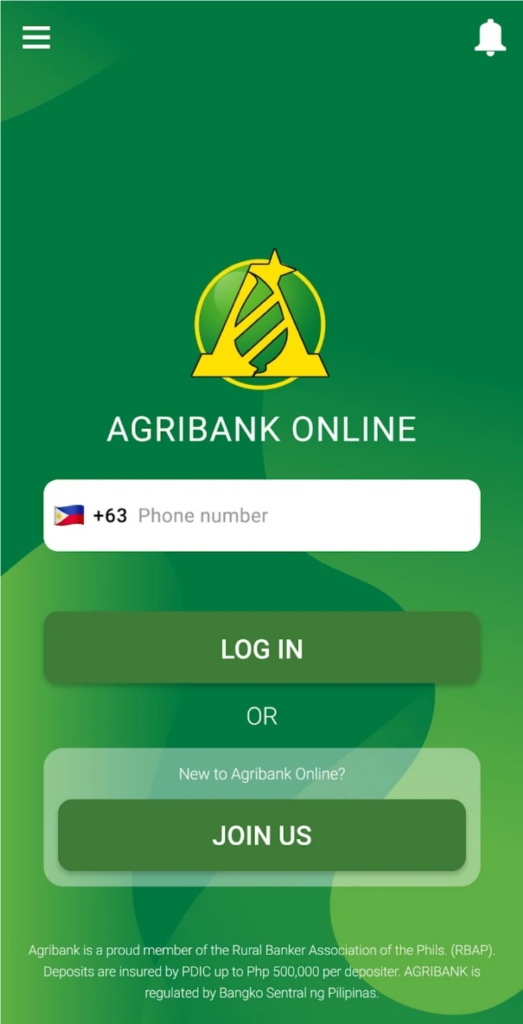
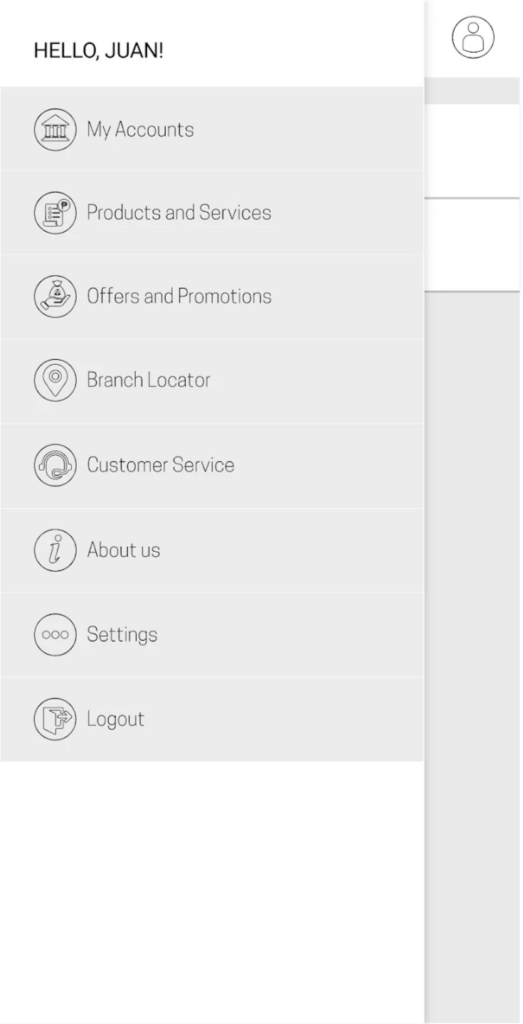

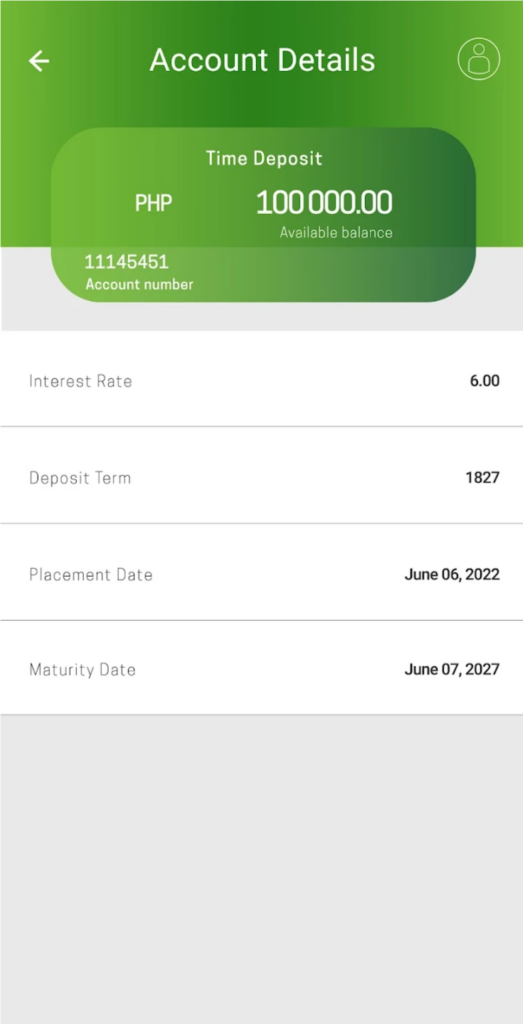
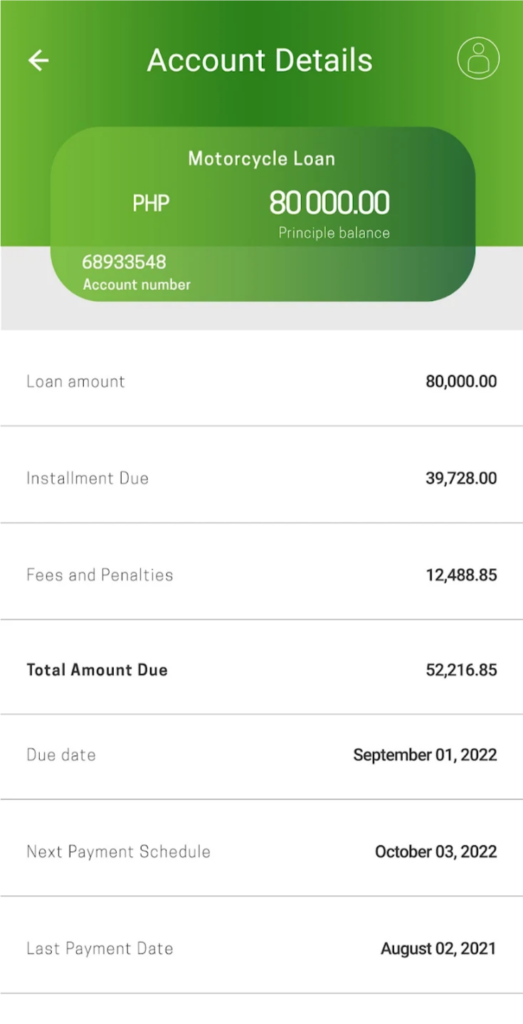
FOLLOW THESE STEPS FOR
QUICK AND
EASY ENROLLMENT



Head office Address: ROPALI Plaza, Josemaria Escriva Drive, Ortigas Center, Pasig City
Phone: (02) 8942 2474
Email: customercare@agribank.com.ph



@AgribankPH
@AgribankROPA
Agribusiness Rural Bank, Inc. (AGRIBANK), is regulated by the Bangko Sentral ng Pilipinas.
Deposits are insured by PDIC up to P500,000.00 per depositor.
AGRIBANK is a proud member of RBAP & BAIPHIL
+632 8708-7701 | consumeraffairs@bsp.gov.ph
©2024 AGRIBUSINESS RURAL BANK, INC. | ALL RIGHTS RESERVED
Qualifications:
Candidate must possess at least Bachelor’s/College Degree in Business Studies/Administration/Management, Marketing or equivalent.
At least 2-3 Year(s) of working experience in the related field is required for this position.
Preferably Assistant Manager/Manager specialized in Marketing/Business Development or equivalent.
Must have banking experience and knowledge in the products/services, operation and processes of a bank
Job Description:
Can easily recognize potential markets for finance business and development due to his extensive experience in Motorcycle Loans
Lead the team in achieving long and short term targets
Identify, develop, and evaluate marketing strategy in line with the bank’s operational loan objective
Ensure business plan execution according to strategy
Creating credit scoring models for loan risk assessments
Approving and rejecting loans based on available data
Forecast market trends, analyze competition, new products, and pricing to recommend changes of strategy to marketing and business development strategy
Work closely with credit department on credit policies
Ability to train and motivate staff to perform as expectation.
Job Qualifications:
Candidate must possess at least Bachelor’s/College Degree in Business Studies/Administration/Management, Economics or equivalent.
At least 2 Year(s) of working experience in the related field is required for this position.
Required Skill(s): Data Analysis
Preferably Supervisor/2 Yrs & Up Experienced Employee specialized in Banking/Financial Services or equivalent.
Preferably with background using system online credit loan scoring
Job Description:
Receiving credit and loan applications along with supplementary paperwork.
Reviewing documents to ensure their completion and precision.
Conducting routine inspections to better understand clients’ financial track records.
Performing risk analyses and using the findings to inform the amount of credit extended, if applicable.
Credit Specialists assist in the recovery of unpaid dues.
Compiling a database of regular defaulters and reporting them to the relevant bodies, as appropriate.
Job Description:
Job Qualifications:
Candidate must possess at least Bachelor’s/College Degree in Engineering (Industrial), Computer Science/Information Technology or equivalent.
At least 5 Year(s) of working experience in the related field is required for this position.
Preferably Assistant Manager/Manager specialized in Digital Marketing or equivalent.
May not be expected to be IT experts but much more focused on driving change, its aim is integrate digital transformation.
The job is not technical or required computer/programming languages or systems, specifically, however, the job requires the person to configure the processes to be operationally efficient and responsive to a market that is now accessed (and delivered) digitally.
Must have banking experience and knowledge in the products/services, operation and processes of a bank.
Qualifications:
Candidate must possess at least Bachelor’s/College Degree in Engineering (Industrial), Computer Science/Information Technology or equivalent.
At least 5 Year(s) of working experience in the related field is required for this position.
Preferably Assistant Manager/Manager specialized in Corporate Strategy/Top Management or equivalent.
Must have banking experience and knowledge in the products/services, operation and processes of a bank.
Job Description:
Develop technical aspects of the company’s strategy to ensure alignment with its business goals
Discover and implement new technologies that yield competitive advantage
Help departments use technology profitably
Supervise system infrastructure to ensure functionality and efficiency
Build quality assurance and data protection processes
Monitor KPIs and IT budgets to assess technological performance
Communicate technology strategy to partners and investors
Job Qualifications:
Candidate must possess at least Bachelor’s/College Degree in Business Studies/Administration/Management or equivalent.
No work experience required.
Required Skill(s): Driving
Preferably with 1 year experience specialized in Collection or equivalent.
With professional Driver License
Job Description:
In charge of managing loan accounts, ensuring prompt payments and minimizing past dues.
Perform remedial actions such as partial payments, extension of terms, assumption of mortgage, or repossession on past due and foreclosable accounts
Regularly visits the borrower, he is in the best position to report on any usual change in the condition of the borrower that may affect his credit standing.
Qualifications:
Candidate must possess at least Bachelor’s/College Degree in Business Studies/Administration/Management, Finance/Accountancy/Banking or equivalent.
At least 5 Year(s) of working experience in the related field is required for this position.
Required Skill(s): Tech Savvy
Preferably Assistant Manager/Manager specialized in Banking/Financial Services or equivalent.
Must have banking experience and knowledge in the products/services, operation and processes of a bank.
Job Description:
Identify current market technology trends relevant to the development of new digital platforms and gain knowledge on selected technologies, in order to develop, communicate, and implement business solutions
Responsible in coverting Manual processes into Digital process
Translate local needs into business and technical requirements for digital solutions and capabilities. The role requires a broad range of skills – familiarity with digital banking system.
Provide project status reports. Oversee scope to ensure achieved commitments within agreed on time, cost, and quality parameters.
Represent the project in various project update meetings and be part of the clients meeting to guide them during the process. Responsible for early identification of issues, determining potential resolutions, communicating status, tracking and resolving them in a timely manner.
The position will include providing digital enablement and implementation support.
Job Description:
The IT Manager attends to the management and administrative concerns of the department, including but not limited to budget formulation and monitoring human resources management and day-to-day operations of major IT responsibilities, Data Center Operations, Infrastructure Management, Help Desk/Technical Services, Security Administration, Production Support and Development.
Qualifications:
Candidate must possess at least Bachelor’s/College Degree in Engineering (Computer/Telecommunication), Computer Science/Information Technology or equivalent.
At least 5 Year(s) of working experience in the related field is required for this position.
Preferably Assistant Manager/Manager specialized in IT/Computer – Network/System/Database Admin or equivalent.
Optional product or system certification
With strong background in System Development
Must have banking experience and knowledge in the products/services, operation and processes of a bank
Job Qualifications:
Candidate must possess at least Bachelor’s/College Degree in Business Studies/Administration/Management or equivalent.
At least 1 Year(s) of working experience in the related field is required for this position.
Required Skill(s): Good communication skill
Preferably 1-4 Yrs Experienced Employee specialized in Banking/Financial Services or equivalent.
Must have experience working in a bank or any financial institutions.
Job Description:
Retention Loan Officer will advise existing customers on the right mortgage product to help improve their current financial needs.
He/she will contact previous customers to sell the Bank’s products.
After determining the best product for the client, our Retention Lending Officers will lock the loan at point of sale, request any documents required and submit a preliminary paperless loan package to a dedicated processing team
The Retention officer will maintain the relationship throughout the process.
Job Qualifications:
Candidate must possess at least Bachelor’s/College Degree in Business Studies/Administration/Management or equivalent.
At least 2 Year(s) of working experience in the related field is required for this position.
Preferably Assistant Manager/Manager specialized in Banking/Financial Services or equivalent.
With Professional Driver’s License
Job Description:
Conducts Person by Person, Day by Day, Bit by Bit activity with FRs using the ARMS/CVM CARD/EPAMS.
Reviews, discusses and evaluates the PDB/Goal setting calendar of FRs, must set at least 5 accounts to be remedied by each FR daily.
Gives daily itineraries of his FRs. Checks, monitors and reviews the result of itinerary of his Field Representatives.
Validate the new accounts/loan releases to ensure good loan accounts.
Coaches/mentors/suggests/ discusses to the FRs proper corrective measures or handling of clients requests, queries and concerns.
Conducts surprise visit/validation of accounts especially problematic accounts or accounts with irregular payment behavior.
Accompanies the FRs in the Field to assist and persuade clients to pay.
Qualifications:
Candidate must possess at least Bachelor’s/College Degree in Business Studies/Administration/Management, Marketing or equivalent.
At least 2 Year(s) of working experience in the related field is required for this position.
Required Skill(s): Sales and Marketing
Preferably Supervisor/2 Yrs & Up Experienced Employee specialized in Digital Marketing or equivalent
Preferably with experience as a dealer coordinator and knowledgeable with bank loans
Job Description:
The Digital Sales Officer will be responsible for proposing a wide range of digital marketing solutions in all branches
Ensure timely/accurate recording, tracking and reporting of sales activities and customer/competitive information through our System.
Provide an accurate forecast of sales results and continuously management of sales activity – new, renewals and up sells
Perform a current merchant analysis of clients’ needs and provide a winning solution.
Job Qualifications:
Must be a graduate of any four-year business related course; preferably an accountancy/management accounting graduate.
Preferably 1-2 years meaningful experience in internal/external audit
Must be willing to travel anytime anywhere
Can work in low/minimal supervision
Sound knowledge of business organization, operation, polices, internal controls applicable to rural banks (banks)
Thorough knowledge of finance
Knowledge of MS Office Programs, particularly Excel and PowerPoint
Job Description:
Regular Audit of Branch and Head Office Units
Conducts Audit Planning
Conducts actual onsite validations and conducts the whole audit process basing on the C A R M
Enlists all exceptions and prepare an exception sheet.
Conducts Exit Conference to discuss to the auditee all noted exceptions. Ensures that the Exception Sheet is duly approved by the CAE before conducting any exit conference. Provide reports on the results of examination on an exception basis with suggestions for corrective actions
Provide recommendations on the concerning systems that need to be developed or improved
Provide assertions on the proper safeguarding of bank assets
Provide comment/recommendation on the review of the effectiveness of the existing internal control of the banks if necessary
Job Qualifications:
Candidate must possess at least Bachelor’s/College Degree in Finance/Accountancy/Banking or equivalent.
1 Year(s) of working experience in the related field is an advantage for this position.
Fresh Graduates are also welcome to apply.
Thorough knowledge of finance, business organization, operation, polices, internal controls applicable to rural banks (banks)
Knowledge of MS Office Programs, particularly Excel and PowerPoint
With at least average oral and written communication skills
Must be keen to details and can work under minimal supervision
Willing to travel anytime and anywhere (Branches)
Job Description:
Conducts Audit Planning
Conducts actual onsite validations and conducts the whole audit process basing on the C A R M
Enlists all exceptions and prepare an exception sheet.
Conducts Exit Conference to discuss to the auditee all noted exceptions. Ensures that the Exception Sheet is duly approved by the CAE before conducting any exit conference. Provide reports on the results of examination on an exception basis with suggestions for corrective actions
Provide recommendations on the concerning systems that need to be developed or improved
Provide assertions on the proper safeguarding of bank assets
Provide comment/recommendation on the review of the effectiveness of the existing internal control of the banks if necessary
Job Description:
The Regional Lending Head is responsible for the generation (product sales), administration and efficient operation of all branches, OBO’s within his or her assigned region, including operations in collection, remedial management, customer service, and security and safety of bank’s assets within his assigned region.
Ensuring that bank’s program and policy are properly disseminates and implemented all through-out within the assigned region.
Develops new loan business; provides a satisfactory level of customer service and ensuring continues good business relationship and retention of the existing good client of the bank.
Responsible in attaining the established region wide KRA & KPI through active participation in loan generation (entry), administration / collection and remedial management activity of the bank.
The RLH must ensure that the branch within the assigned region is maintaining a high level of quality loan portfolio that can deliver profitability and stability of the branch within the region.
Ensuring that all loans personnel under his region adheres to the policies and procedures of the bank.
Job Qualifications:
Candidate must possess at least Bachelor’s/College Degree in Business Studies/Administration/Management, Finance/Accountancy/Banking or equivalent.
At least 5 Year(s) of working experience in the related field is required for this position.
Preferably Assistant Manager/Manager specialized in Banking/Financial Services or equivalent.
With strong business acumen & good analytical application and strong personality
Willing to travel or assign in any area in VisMin branches (Mandaue, Tagbilaran and Gensan)
Job Description:
The Regional Head is the over-all in charge and must oversee the various activities of all the branches in his region. The Regional Head must ensure the success of the administration and day to day operation of branches. He/she is the forerunner in the area and supervises the activities of the Branch Heads in terms of product sales, consumer loans, retail credit facilities, other paid services, security and customer servicing.
The Regional Head must ensure that set targets for deposits, loans, income, number of accounts and other products and services of his area are met and delivered.
The Regional Head shall assist to ensure the entire organization’s effectiveness in delivering solutions to customer’s needs, and providing clients satisfaction and delight in every transaction.
Qualifications:
Candidate must possess at least Bachelor’s/College Degree in Business Studies/Administration/Management, Finance/Accountancy/Banking or equivalent.
Preferably Assistant Manager/Manager specialized in Banking/Financial Services or equivalent\
Substantial work experience in a Bank or Financial Institution
Extensive knowledge in the areas of Branch Operations, Marketing and Customer Service
At least five (5) years experience as Branch Head or Loan Officer in other financial institutions
Must be willing and able to travel to market, supervise, and direct the branches located in various cities or municipalities in his/her assigned region.
Must be from the service area where he/she will be assigned.
Must be committed and willing to take on business targets
Qualifications:
Candidate must possess at least a Bachelor’s Degree in Business Studies/Administration/Management, Finance/Accountancy/Banking or equivalent.
At least 5 Year(s) of working experience in banking of similar position
Preferably Supervisor/5 Yrs & Up Experienced Employee specialized in Banking/Financial Services or equivalent.
Extensive experience of working in a marketing function in a retail/banking financial services environment.
Strong work exposure in broad range of bank product disciplines – channel development, customer value management, communications and PR, brand development, advertising, sales strategy development
Established credibility and experience interfacing with senior leadership
Ability to work under tight deadlines and to prioritize under pressure
Highly articulate and confident presenter and communicator
Influencing and negotiating
Extensive market knowledge
Job Description:
This position is responsible in generating new accounts for the bank. The same officer is also in charge of generating fresh funds to achieve the target account level and the desired income of the institution. The subject officer shall design and execute marketing plans and programs to assist other members of his team and ensure the delivery and achievement of their respective KRA/KPI.
Basic Responsibilities:
Generate new accounts and grow existing accounts.
Generate fresh funds to ensure continued growth of accounts
Ensure attainment of target set by management
Recognize and identify leads that will help generate loans
Cross-sell other products of the bank and other member companies of Ropali Group of Companies